

Wednesday, November 25, 2015


Thursday, June 25, 2015
KathyAnne White—Classes on Skillshare!
Several Months ago I started teaching some classes on Skillshare. I was already a member and took a lot of classes on digital programs I am learning. Plus I love to see what Graphic Designers are doing with Illustrator. There are a multitude of classes to get your creative juices going.
Last night I published another new class- to Skillshare
Blend Images on your iPhone, iPad or iPod with Image Blender

You can sign up or view the Image Blender Class, read the class description and watch the introduction video at this link.

Here's the bonus— I am giving away a premium membership on Skillshare to one lucky student that signs up for the Image Blender class and posts a project by July 31st!
Although Skillshare is a membership site you can use the site for 14 days if you have not been there before. You could take any of my classes for free in that 14 days.
Although Skillshare is a membership site you can use the site for 14 days if you have not been there before. You could take any of my classes for free in that 14 days.
For a look at my other classes on Skillshare—
Design Repeat Patterns in Photoshop an use them to Enhance your Images!
To view the Patterns Class, read the class description and watch the introduction video follow this link


Two classes on my Digital Image Transfer process are also on Skillshare!
Digital Image Transfers From Screen to Surface
To view the Digital Image Transfers Class, read the class description and watch the introduction video follow this link


And my first class published on Skillshare—
Create Impressive Image Transfers from Your Photographs!


Check out my classes on Skillshare as you follow the links you will be able to view the class video list, class description and the video introduction of the class. I'd love to see you there. My list of links will get you right to the class of mine you want to see!!
ENJOY
Wednesday, April 29, 2015
Photoshop Shorts

This video tutorial includes-making a stripe from an image and then blending the image with the stripe—texturing an image—printing a photoshop file. Each of these ideas are what I use in my process working with and creating images to print.
Any version of Photoshop should work with the short subjects in this tutorial. There may be a slight difference with Photoshop Elements, but you will still be able to use the ideas presented.
KathyAnne Art Members log in here to download this tutorial from the member area.
If you are not a member please join us here!
Friday, March 27, 2015
Torching Metal—Develop Surface Variations

This video workshop takes you through my process of heating metals for interesting design. During the process the colors develop from the temperature of the flame. Different metals will create different colors. The palette of color is not extensive, mostly golds, reds, browns and blues depending on the metal and the temperature applied. Play with this to see what you come up with.
For safety be sure to wear protection for your face and eyes- goggles and/or face protection. Heat resistant gloves are helpful.
Always think of your safety when using torches. Take precautions to be safe. Pick an area free of items that could start on fire when working. I always have a fire extinguisher within reach.
KathyAnne Art Members log in here to access this workshop.
If you are not a KathyAnneArt member go to this url to join us.
As a member of KathyAnneArt you will have access to over 50 video tutorials.
Extreme Texture Images
Video Tutorials on the site
A large assortment of royalty free images and more.
All for free with a yearly price of $35.00
Friday, February 27, 2015
Metals for Art Components

My fascination with metals is continuous. This workshop will show you some of my
current ideas. These ideas are possible with papers, fabrics and other types of
surfaces even though they will not react quite the same way as metal.
Take what works for you from these ideas—then take them further. As you start to
experiment you will find all sorts of ways to create components for your mixed media
art.
Vary shapes, color, materials, texture etc. Be playful—mix it up—invent your own
original elements. This is meant to be inspiration for new ideas.
KathyAnne Art members go to this url
to access this tutorial.
Non KathyAnne Art members -Join Us at this url and have access to 50 plus mixed media tutorials.
Construct Coils Using Metal Wire

In this video workshop I will share one of the ways to create wire for your artwork.
My work has evolved over the years to embrace using metals in fiber like ways. This
workshop is right along those lines. By using simple plastic knitting looms—you will see
how easy it is to create different size coils from wire to add to your mixed media
configurations. (one quick idea is to anchor the wire by pressing a bit of the coil into
gel medium or thick paints)
This KathyAnne Art tutorials is available to members - log into the member section at
Once you are in the member section go to the tutorial section to download the pdf.
Non KathyAnne Art members- Join us at this url You will have access to over 50 mixed media tutorials.
Non KathyAnne Art members- Join us at this url You will have access to over 50 mixed media tutorials.
Tuesday, December 23, 2014

Thursday, November 27, 2014
Add and Embellish Text on an Image

Add and Embellish Text on an Image in Photoshop Touch
Many of us look for new ways to express ourselves when it comes to writing cards and other types of visual material. For Thanksgiving this year, I created an image for my email along with this tutorial for my members. The tutorial — a 15 minute video gives you an idea how the image was composed in Photoshop Touch.
This is just a glimpse of what can be designed. Text can be used in many ways in images and will be looked at in future tutorials, but for now you will be introduced as a door is opened for your creative experimenting.
Photoshop Touch by Adobe is available on Apple and Android Devices along with Kindle Fire and Sansung Galaxzy Note for Phone. Check your device with Adobe if you have questions about compatibility.

Sunday, October 5, 2014
Digital Transfers in 3D Spaces

This video tutorial takes a look at my process using
Transferiez on 3D surfaces. Depicted in the video are transfers onto steel
sculpture. The steel used is 20 gauge cut into freestyle shapes with a plasma
cutter, formed by using a vice and other metal techniques. Joined by rivets. This
tutorial is not about forming the metals but about applying transfers to the
surfaces. This technique is possible to use on many 3D Surfaces, not just
metal.
The sculpture used in the video is at the early stage of
being constructed. Once all the surfaces have been finished other 3D elements and
wires will be added.
To purchase this tutorial for $9.95 click here.
These are photos of the works in progress from this video workshop.
Material for the base of the sculpture is 20 gauge steel. Digital Transfers with Gilders Paste in areas make up the color and image portion.
Some digital transfers on aluminum have been added to the surfaces in places.
To be added are more transfers and other elements and wire configurations. When they are finished, the final images will be posted here.


Sunday, August 31, 2014
Studio Journal from a Magazine

This workshop shows you how to manipulate a magazine and make it into a journal or sketchbook in a quick and easy way. Customize yours any way you like. Get creative to personalize your book.
Supplies include:
Magazine
Gel medium or glue if you prefer
Regular white gesso
Assorted acrylic paint
Some type of surface for a cover
Brushes
Plastic
Clamps to straighten when or after drying
Whatever else you need to make this your journal

Purchase this workshop for $9.95
Saturday, August 2, 2014
Join me for a Workshop in Tulsa Oklahoma!!
Digital Printing Alternative Surfaces-Mixed Media
August 18-21, 2014 9AM to 4PM
Hardesty Art Center, Tulsa Oklahoma

Covering the basics of digital printing alternative surfaces—we will prepare, construct and print an assortment of alternative surfaces. Next we will learn ways to push the digital print further. Alternative surface printing is an amazing way to add images, color and other ideas to mixed media artwork.
Techniques such as overprinting, adding elements to a surface before printing, printing light weight metals, handmade substrates and more will give students ways to get used to printing on unique substrates.The learning outcomes from techniques presented will allow students to print alternative surfaces successfully on their own after the workshop is concluded.
My photo software programs of choice will be Photoshop in the current version. There will be information and ideas for image manipulation—setting up an overprint and color correction. In addition students will learn the print process with information geared to quality printing.
I am looking forward to an incredible week for students to learn about expanding the digital print. Techniques will be discussed covering innovative ways to use your printed alternative surfaces in your mixed media artwork.
Students will have hands on experience with using the printers for the workshops along with some tips for success. Get up to speed with what you need to know to successfully print alternative surfaces.

Saturday, June 21, 2014
Printing an Image with Photoshop

This PDF and Video workshop will get you up to speed with a 15 minute video going through the print process in Photoshop. If you are using a different image manipulation software than Photoshop—you should also be able to find your way through their types of print boxes after seeing this video.
This workshop is in response to the many questions I receive on this part of the digital printing alternative surfaces® process. Please leave a comment if you have any questions.
Members of KathyAnne Art go to the site to log in here. Then access the tutorial on this page of the site.
If you are not a KathyAnne Art member you can join here.
Or if you would like to purchase this workshop for $9.95.
Click here to purchase.
Tuesday, May 27, 2014
More Exploration with Transferiez™
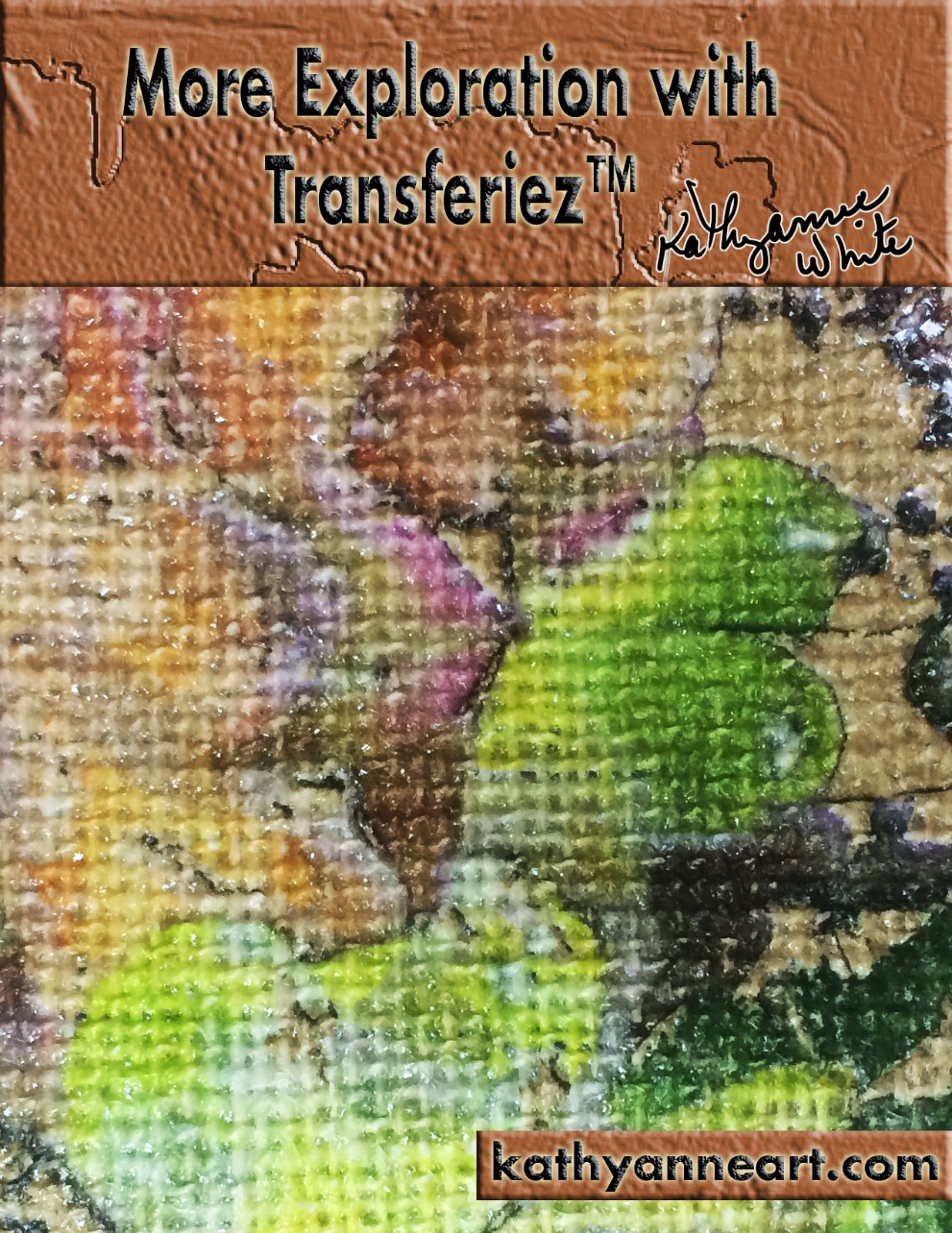
This is my second workshop using Transferiez™ an image transfer medium from inkAID™. During this workshop we explore burlap, fragile paper, 16 gauge steel, rusty metal, brass and ideas for metal after creating a transfer. The workshop PDF along with the 26 minute video will ease your way to working with the above substrates.
If you are not aware of this product and my first workshop- you may access that workshop at this link.
Transferiez™ is an impressive product that is enlightening to explore. "What if's" abound and so far my success has been wonderful. One of the great things about using this transfer medium is the array of surfaces that are now possible to print. I am enthusiastic about going forward and using this medium to bring my images to countless surfaces that are difficult to digitally print.
Enjoy this look at more ideas in using Transferiez™.
If you are a member of KathyAnne Art please sign in here
then access the video—PDF workshop here
If you are not a KathyAnne Art member you may purchase this video workshop for $9.95
Wednesday, April 23, 2014
Metal Elements for Mixed Media

For this video workshop we will look at using metal wire, digital prints on assorted types
or metal/metal mesh-along with other elements that mix with your mixed media art. This is a process workshop not a project workshop. I will share techniques that I have been using in some of my current work with metals.
As far as supplies go- here is what you will see in this video—
* Hardware Cloth
*Digital prints on beverage cans—printing plate—metal mesh (brass)—36 gauge
*Wire—19 gauge black and heavy weight wire unknown gauge, it is just sold as barb wire in my hardware store.
*Hole punch
* Small dowel rod
*Pliers
*Found rusty objects
*Dremel Tool
or metal/metal mesh-along with other elements that mix with your mixed media art. This is a process workshop not a project workshop. I will share techniques that I have been using in some of my current work with metals.
As far as supplies go- here is what you will see in this video—
* Hardware Cloth
*Digital prints on beverage cans—printing plate—metal mesh (brass)—36 gauge
*Wire—19 gauge black and heavy weight wire unknown gauge, it is just sold as barb wire in my hardware store.
*Hole punch
* Small dowel rod
*Pliers
*Found rusty objects
*Dremel Tool
Non Members to sign up for a year for $35.00—(tutorials are free to members).
click here OR purchase this workshop for $9.95 at this link.
Monday, March 31, 2014
Digital Printing Alternative Surfaces Your Way!

In a few weeks April 27 to May 3 2014—I will be teaching an innovative workshop on Digital Printing Alternative Surfaces in Greenville, New York at Hudson River Valley Art/Fiber Workshops. (enrollment information)

This workshop is tailored to how you want to use digital prints in your artwork. Each student will have a free consultation with me so together we can work out what best suits the individual's work. One example could be the artist who just wants to learn all they can on printing uncommon surfaces. Fiber artists may want to learn to specifically how to use these techniques in art quilts. Another fiber artist that would like to create felt pieces that are digitally printed. Even a painter or watercolorist may want to add digital elements. This is also the place to be for all the artists that want to learn my assembling techniques for metals and other substrates.


There is still time to enroll and come to work on your vision with your art. Any and all levels are welcome. This is going to be an amazing creative week.


Check out my other blog post
and my YouTube video on this workshop!!
Digital Printing Alternative Surfaces in Greenville New York at
Wednesday, March 19, 2014
Lightweight Airy Surfaces
An interesting way to create surfaces is to build them with “airy” or “empty areas”. By this I mean to use gauze or cheesecloth surfaces and accentuate the lightness of the surface before applying the precoat. Also you can experiment with a variety of synthetic surfaces and achieve intriguing effects.
For this video workshop we will look at cheesecloth, melted reemay and synthetic felt. Although synthetics are often melted after printing, these surfaces can be altered before printing. The only parameters for the synthetics is that after manipulating they flow safely through your printers. Take some of the ideas presented and see how far you can take this type of process.

Non members go to this url to purchase the workshop for $9.95
Wednesday, February 26, 2014
Experimenting with Surface Texture
In this video workshop we well look at a couple of ways to create simple textures on a surface before printing. Fabric, paper and canvas are a few of the surfaces that work well with these techniques. As you add texture keep it thin enough so the surface will fit safely through you printer.
Once the textures are dry, apply the precoat of your choice—use a carrier sheet and print.
For this workshop I used the following items:
Continued in workshop pdf.....

KathyAnne Art Members log in here
then go to this url
Non Members you can purchase the workshop at this link for $9.95
Tuesday, January 28, 2014
Metal Collage Process Workshop
This metal collage process workshop is a 22 minute video. The video will take you through the creation of one of my metal collages.The materials include digital prints on printing plates, wire assemblages, hardware cloth among other added elements. Materials will be explored (some shown and not used) and ideas developed as I work my way through this piece.
Process workshops show and talk about a process, but are not actually a complete how to. Using your creativity, draw from the information and create your original artwork with materials of your choice. Improvise to suit your own purposes.

KathyAnne Art Members log in here.
To access the workshop go to this url after log in.
Non members can purchase this workshop for $9.95 click here.
Friday, December 13, 2013
iPhone—iPad Art

This months tutorial is a video with accompanying pdf. The video is on YouTube and Vimeo and the PDF is free on my KathyAnne Art Site at this link.
Just add the icon to the cart and check out with a zero balance. Your order number will arrive by email. Go to the site to log in under non member with your email address and order number and download your file. It's that easy! Hope you enjoy it!!!
Click below to watch the video!!
Friday, November 8, 2013
Assembling Metal Surfaces
My journey with digital
printing on alternative surfaces started over ten years ago. Since then the
amount of digital prints created in my studio is in the thousands. Originally
my goal was to add interesting fabrics to my art quilts by printing my designs.
As my art expanded—digital prints on alternative surfaces became my palette.
This process workshop “Assembling Metal Surfaces” depicts some of my current
works in progress and how they are constructed.
This is a process workshop and
not a specific step-by-step instructions. On my KathyAnne Art site you will
find a few other workshops that give step-by-step how to’s with some of my
process using metals and hardware cloth.

KathyAnne Art Members log in here. After log in use this url to find the workshop.
Non members you can purchase this workshop here for $9.95
You will receive workshop access after check out.
Subscribe to:
Posts (Atom)